Tarkov Cheat Setup Tips: From Offline to Live PvP
Commands: Outgrown private-server practice? Compare undetected ESP and aimbot tiers for live rivals: Lite, Pro and Elite with Get access.
Practice commands in a Offline or bot matches are a fine warm-up, but they stop helping the moment you queue live Raids, PMC fights and scav runs battles. If your goal is better fights on those modes, the upgrade path is simple: pick a tier at the practice-to-live products hub, check out and run the loader. This guide shows how to decide which tier fits your Tarkov ESP and aimbot goals.
Admin commands are a warm-up, not a product
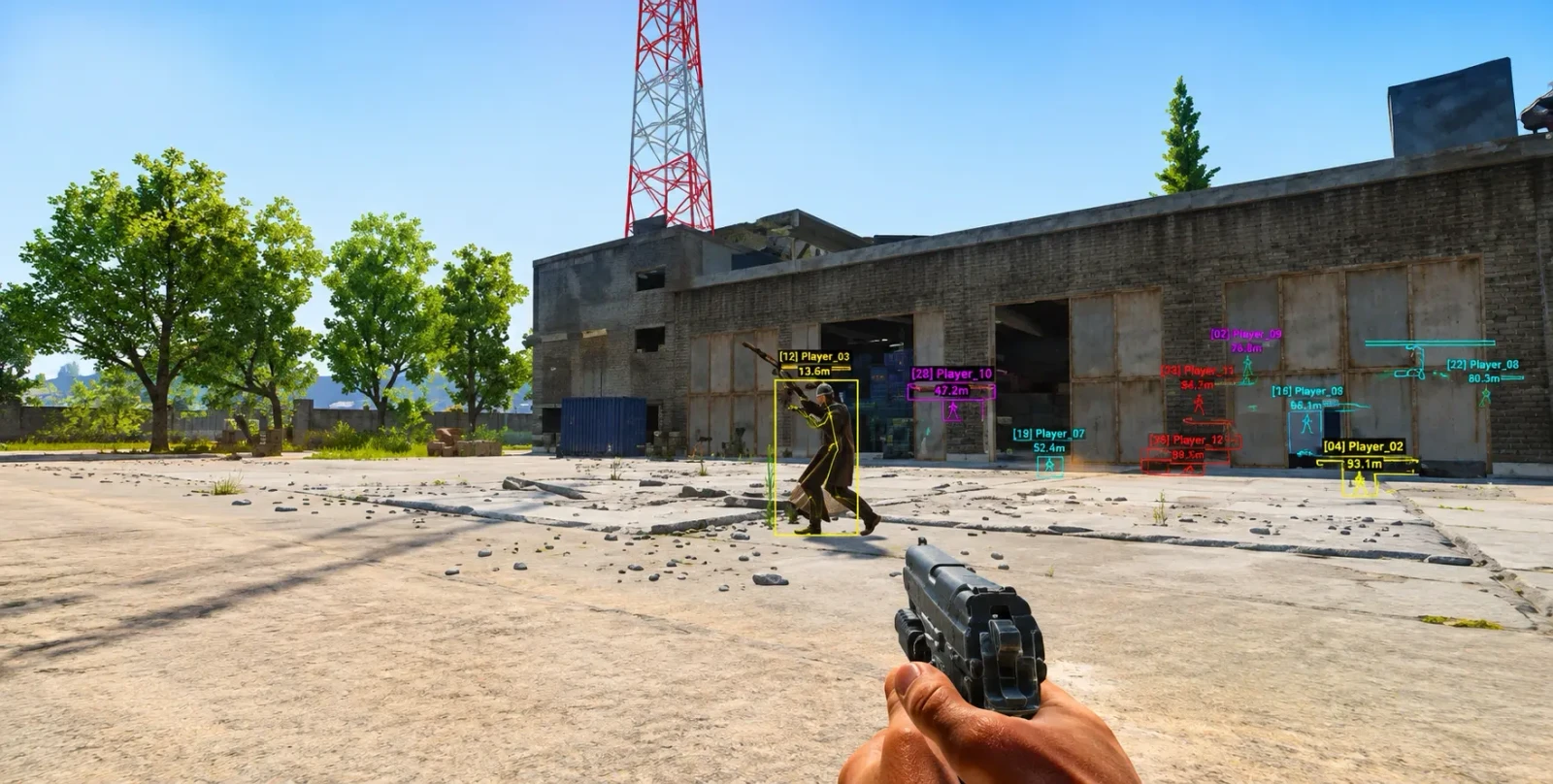
Admin commands do not work on servers where you lack admin rights, and they give no ESP, no radar and no aim assist. Treat them as contrast: admin commands do not equal live-match cheats. To play with information and aim support, buy our loader for Raids, PMC fights and scav runs.
Pick the upgrade that fits your problem
| Your problem | Buy this | Why |
|---|---|---|
| I die to players I never saw | Elite | Player ESP, radar and FOV hack (toggle aim off if you want awareness-only) |
| I lose gunfight chances at close range | Elite | Aimbot, Soft Aim, Target select and Timed shot helper |
| My shots keep going wide under pressure | Elite | Shot timing assist with per-playstyle profiles |
| I want everything plus skins and farming | Elite | Full suite, Skin unlock, farm helpers, priority patches |
| I only want cosmetics | Elite | Skin unlock included, see the skins guide |
What buyers do in the first week
- Buy, log into the operator portal and download the current loader.
- Load the conservative preset: small aim FOV, high smoothing and a 20 to 35 meter ESP cap.
- Test every module in Offline before a busy Raids queue.
- Save a per-loadout profile for assault, sniper and support loadouts if you bought Pro or Elite.
- Check the status banner before each session.
Compare tiers, then buy
Read Lite vs Pro for the closest decision, the Elite tier guide for the full suite, and the features guide for every module. Then choose a live battle tier and complete practice-to-live checkout.
Any third-party software carries ban risk. Keep presets conservative and read the status banner before you play.