Skin Unlock
Preview gear skins, accessories, and cosmetics locally. Searchable catalog and favorites, without changing live Steam inventory. Included with Elite, or buy standalone.
At a glance
Buy Tarkov Skin Changer: Unlock All Cosmetics Tarkov cheat capabilities
What Buy Tarkov Skin Changer: Unlock All Cosmetics focuses on for Tarkov before you open the full module list.
Plus 5 additional modules in the operator portal, see the full list below.
Overview
Built around a local cosmetic preview workflow
How this Tarkov build fits Raids, PMC, and Raids matches after major patches.
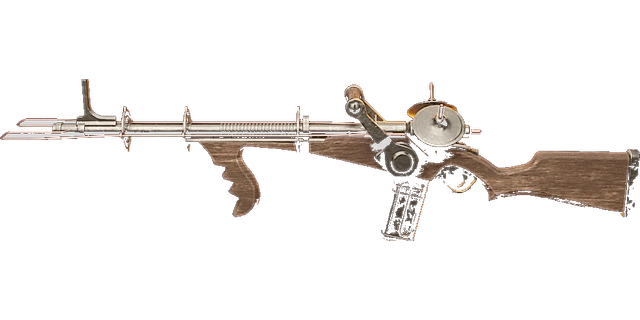
This skin unlock / Unlock All utility lets you browse gear skins and cosmetics locally in Tarkov, searchable catalog, favorites, and squad loadout export without modifying live Steam purchases.
Skins display on your client for testing and content creation. Other players see your actual inventory, not preview skins. Included free with Elite; available standalone for cosmetic preview without match-assist modules.
Local preview only
Skins display on your client for testing and content creation. Other players in the match see your actual inventory, not preview skins.
Included with Elite
Skin unlock ships inside the Elite tier. Buy standalone here if you want cosmetic preview without full match-assist modules.
Modules
What's included in Buy Tarkov Skin Changer: Unlock All Cosmetics for Tarkov
Every Tarkov module and overlay shipped with Buy Tarkov Skin Changer: Unlock All Cosmetics, toggle and tune in the operator portal.
- Skin swap
- Default & alternate skin preview
- Training dummy & preview skins
- Emote & accessory preview
- Map & HUD theme
- HUD & overlay theme
- Skin search & catalog
- Favorites list
- Squad loadout export
Experience
In the client · After you buy
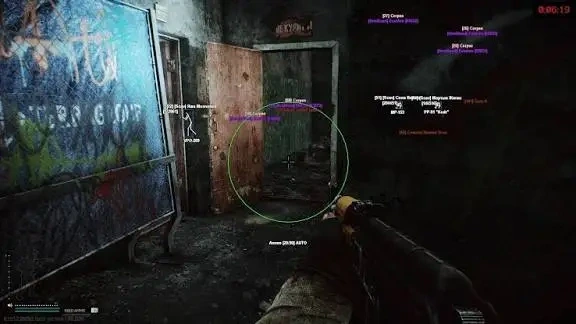
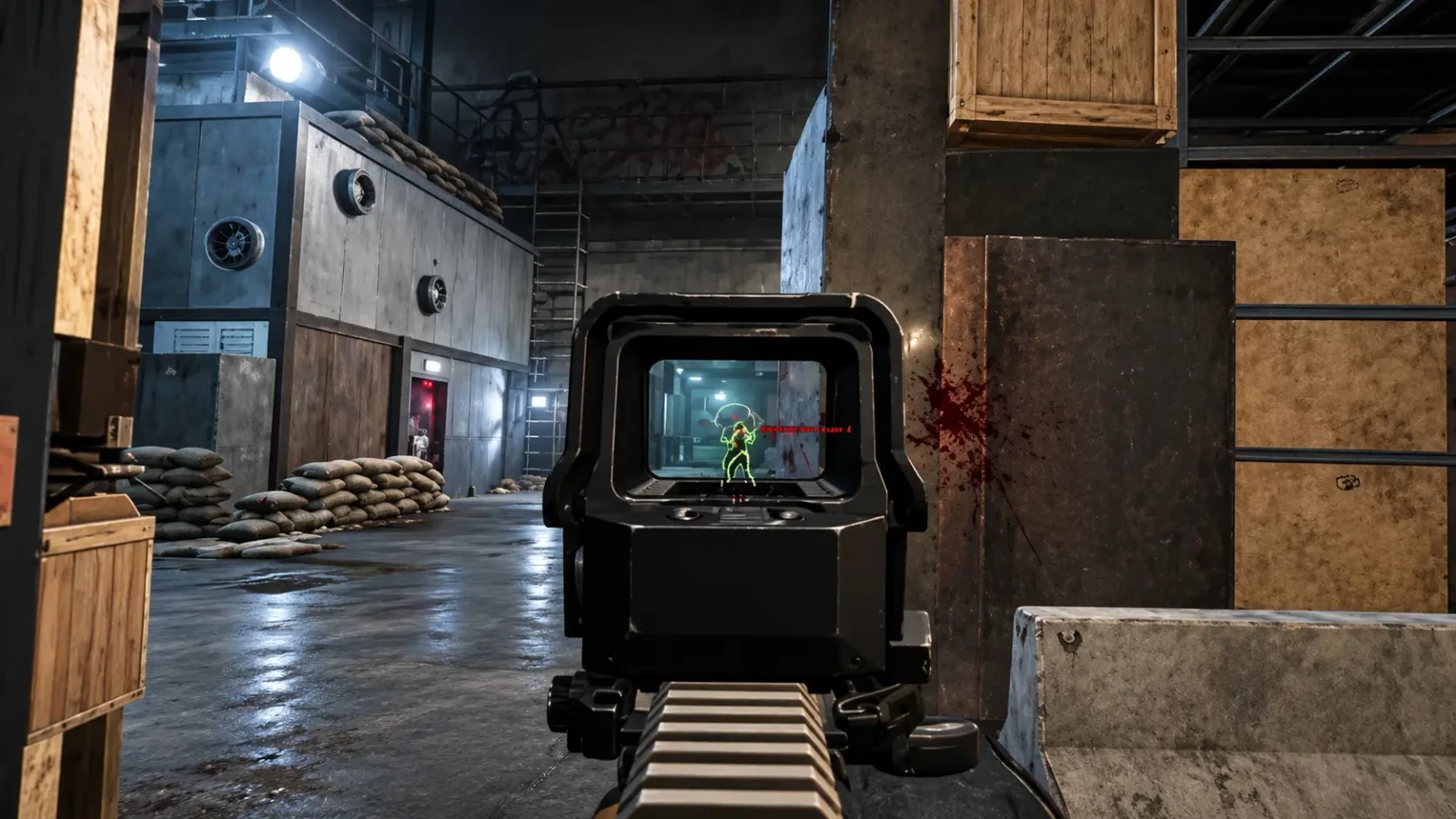
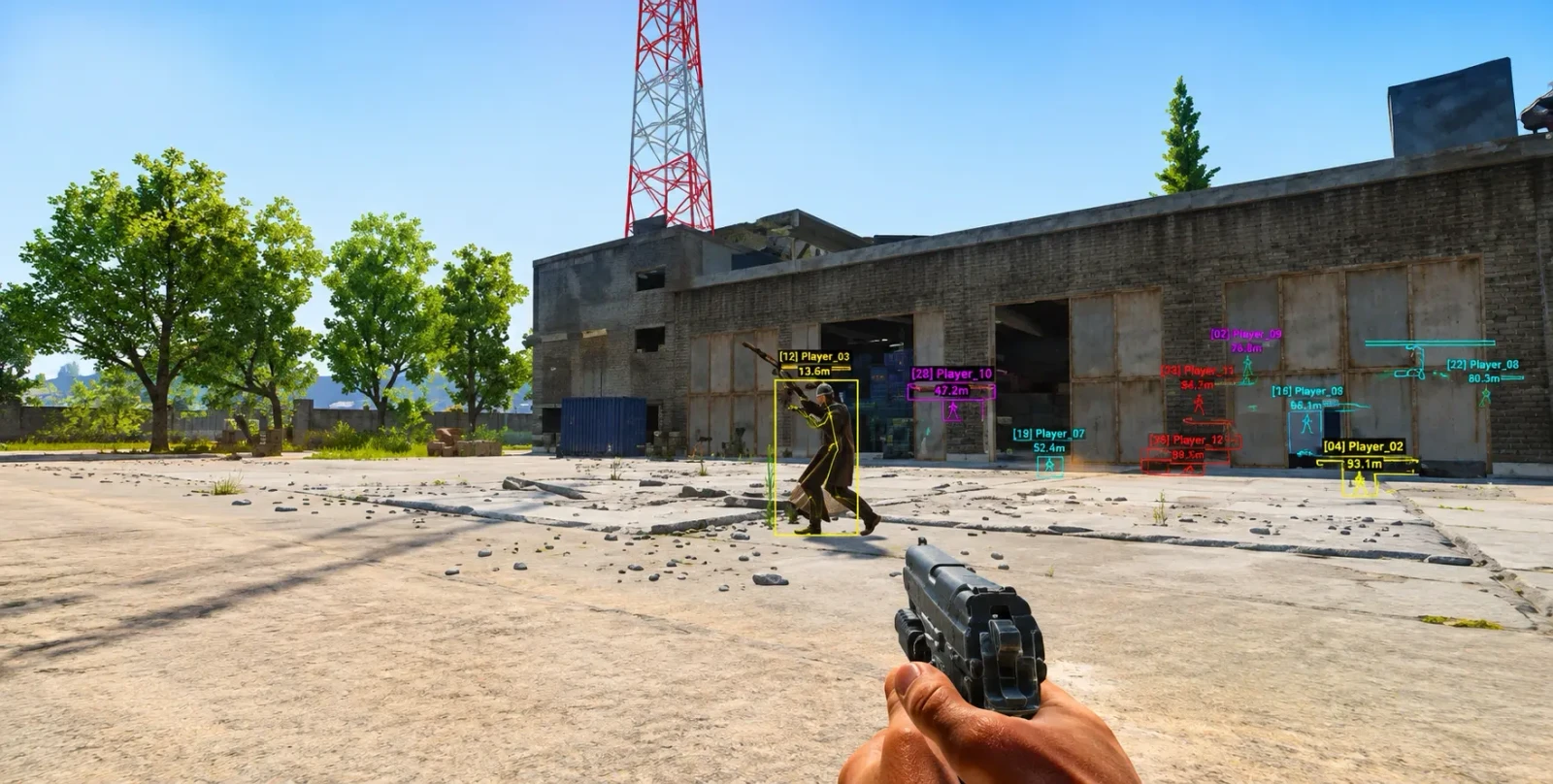
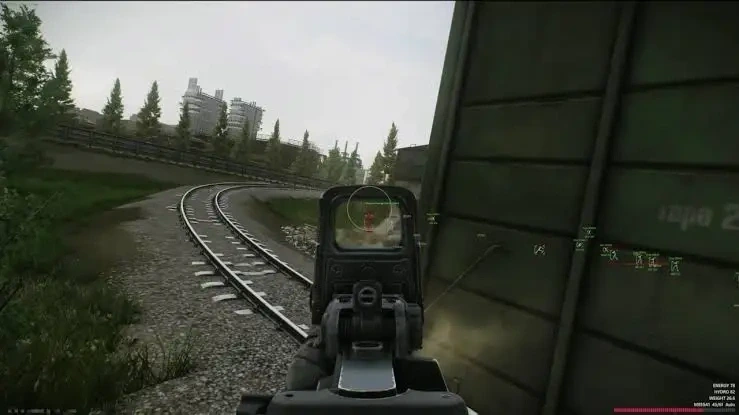
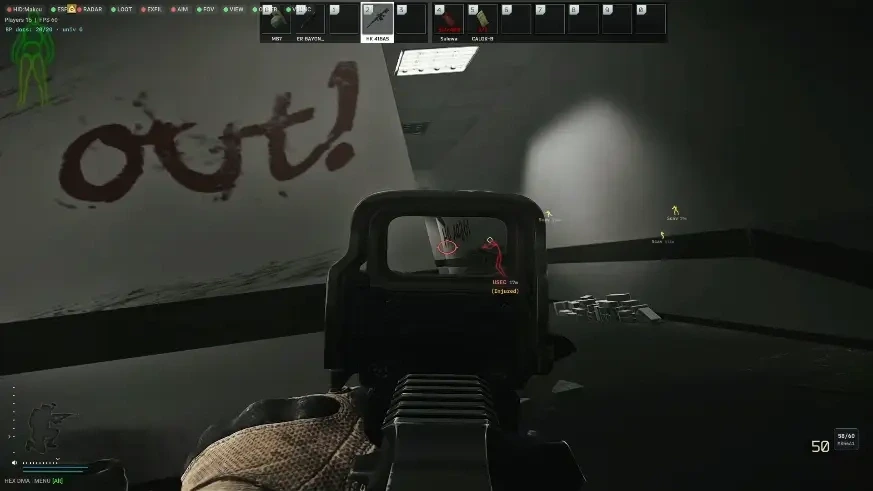
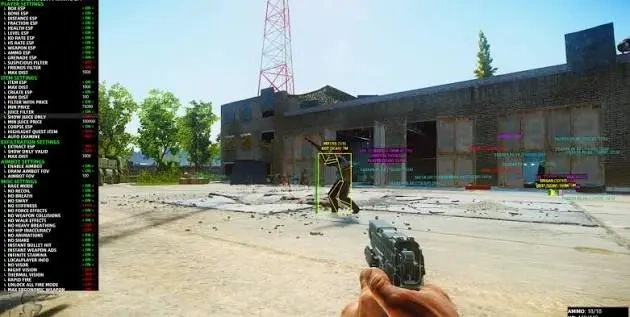
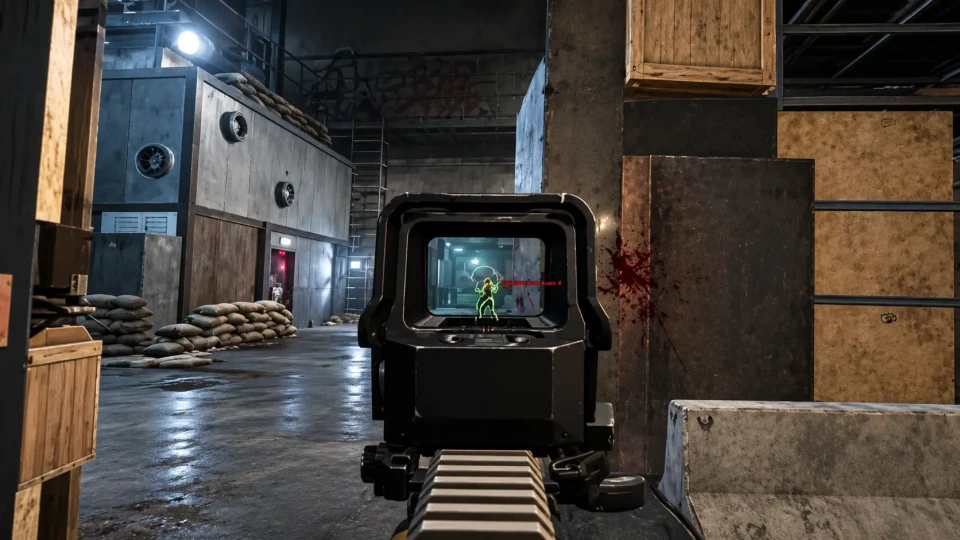
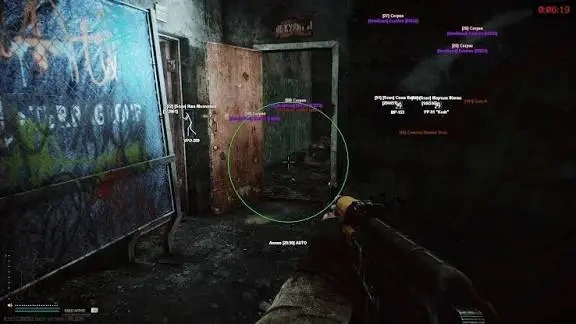
Use the screenshots above for Buy Tarkov Skin Changer: Unlock All Cosmetics, below is what each layer means and how access works after checkout.
In-game layers
- Layer A
Aimbot FOV
Green FOV ring with player skeletons and loot tags.
- Layer B
Holo aim
Close-range aim assist with green enemy highlight.
- Layer C
Warehouse ESP
Multi-target player boxes and bone overlays outdoors.
Guides
Tarkov buy guides for Buy Tarkov Skin Changer: Unlock All Cosmetics
Curated Tarkov articles for setup, tuning, and patch-day checks that match this product.
Skin unlock ships with Elite: preview gear skins and cosmetics locally, know the limits, and check out on tarkovcheat.org.
Features guide: Player ESP, Aimbot, Shot timing assist, FOV hack and Skin unlock by Lite, Pro and Elite tier, compare modules before checkout.
Stream Proof hides your ESP and aimbot overlay from OBS and Game Bar. Included on every tier, compare Tarkov cheats for creators and get access.
How Tarkov radar works for Raids and scav runs: zoom, distance rings, FOV cone and entity tracking versus ESP boxes and aimbot.
Tarkov loot ESP shows supported weapons, ammo, armor and equipment through walls, with filters that keep raid HUD readable.
Tarkov money glitch and infinite cash searches explained, why unlimited money is unverified and what Tarkov Cheat actually lists.
FAQ
Questions about this page
Answers tied to what you are reading, visit the FAQ page for every topic.