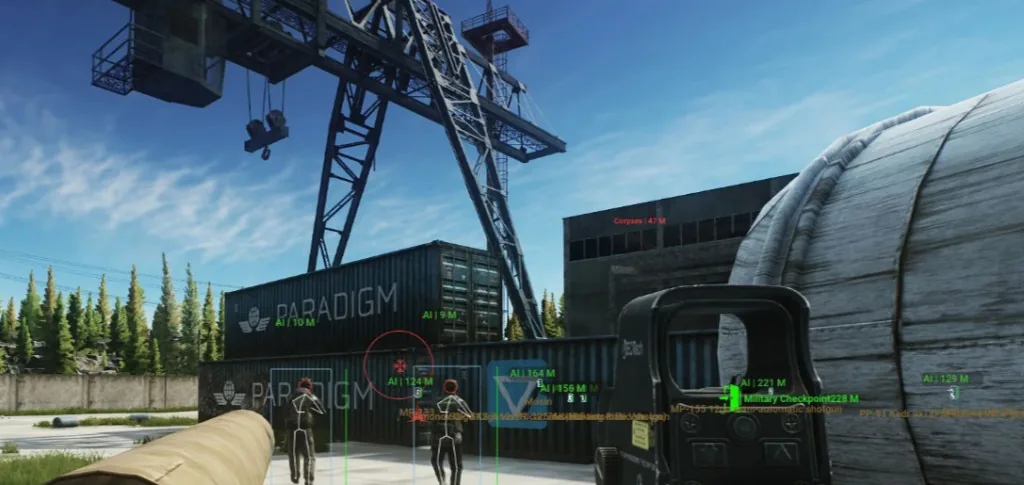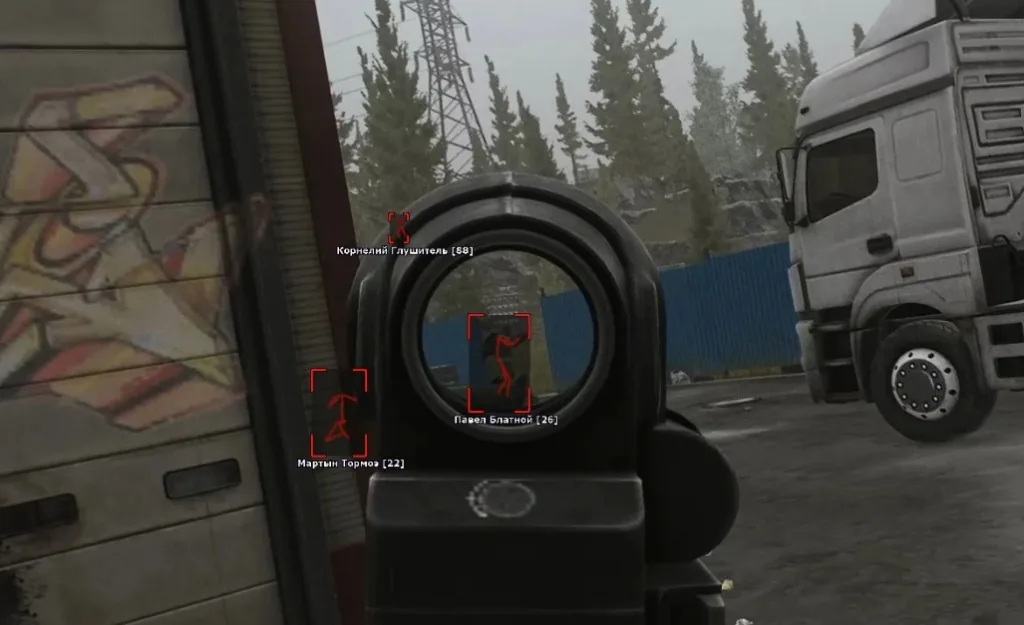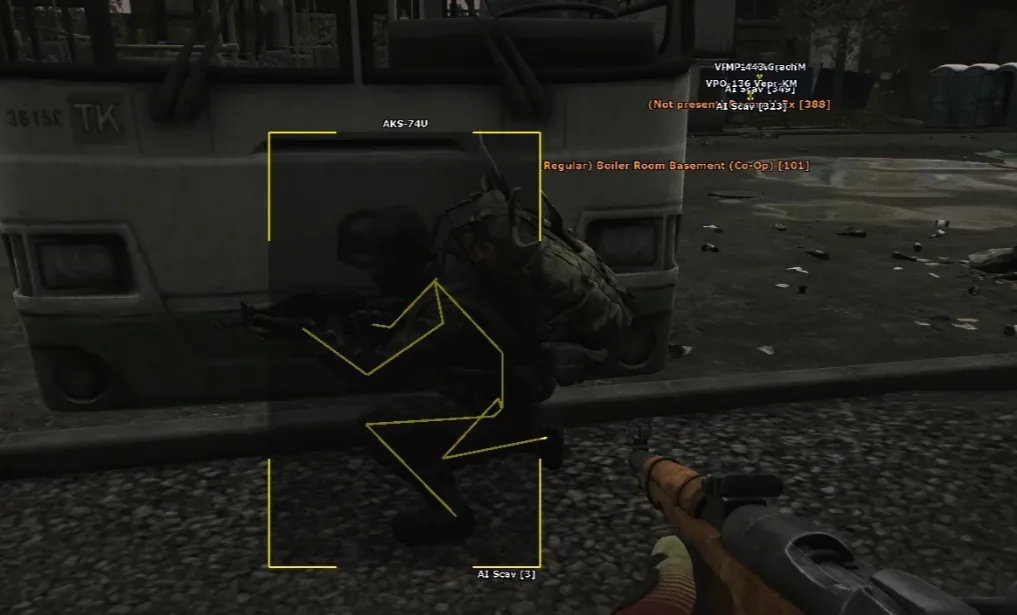
Soft aim built for Tarkov ballistics
Escape from Tarkov mixes heavy movement inertia, limb hitboxes, and long-range bolt-action fights with close-quarters SMG pushes. Soft aim is tuned for that pace — not instant snap or silent-aim behavior.
Use ESP to confirm targets you can see, then let assist handle tracking inside a narrow FOV cone. Pair with the ESP page so you are not relying on assist through walls.
- Smoothness — how fast the crosshair tracks a target
- FOV — limits acquisition to targets near your aim point
- Bone priority — thorax vs head per engagement style
- Hotkeys — toggle assist mid-raid without alt-tab
Legit-style settings vs aggressive configs
Conservative setups use lower FOV, higher smoothness, and chest or thorax priority — closer to how experienced players aim. Wide FOV and head-only profiles read obvious in kill feeds and player reports.
Visibility checks ignore targets behind solid geometry so assist does not snap through walls. Hold-to-aim style hotkeys keep you in control during Factory CQC or Dorms clears.
Start soft on Factory and Interchange, then add a bolt-action profile for Reserve or Woods after you confirm ESP range reads.
- Per-weapon profiles — AR, SMG, and bolt-action slots
- Target priority — closest, lowest HP, or threat-based
- Visibility check — no tracking through geometry
- Mid-raid hotkey toggles for indoor/outdoor swaps
Map profiles — CQC vs long-range
Factory / Dorms: tight FOV and higher smoothness when multiple targets overlap in hallways.
Streets / Interchange: mid-range AR profiles for pinches and open road fights.
Reserve / Woods: moderate FOV on bolt-actions — let ESP confirm range before assist commits on long sightlines.
Combat balance shifts each wipe. Revisit profiles after patches on the Updates page.
Maintenance, pricing & next steps
Soft aim modules rebuild when BattlEye or major Tarkov patches land. Check Updates before raid night and read the BattlEye bypass for patch-day workflow.
Player reports and statistical review still matter even when software status is online — conservative settings reduce obvious patterns.
Every plan includes soft aim plus ESP and radar. Compare Pricing, activate via Setup, and read Tarkov Cheats for the full stack.
Frequently asked questions
-
Does Tarkov Cheats offer silent aim or soft aim?
Escape From Tarkov Cheats focuses on configurable soft aim — smoothness, FOV, and bone priority tuned for natural tracking. It is not marketed as silent aim or magic bullet. Start conservative and tune per weapon.
-
Will soft aim look natural on stream or clips?
Conservative smoothness and lower FOV reduce obvious snaps. No assist looks invisible on stream — tune smoothness down, avoid max FOV, and use hotkeys so assist is off when recording.
-
What aimbot settings matter most in Tarkov?
Smoothness controls tracking speed, FOV limits target acquisition, bone priority picks head vs thorax, and per-weapon profiles cover AR CQC vs bolt-action sniping. See settings on the Aimbot page.
-
Can I toggle aimbot mid-raid with hotkeys?
Yes. Hotkeys let you enable or disable assist during live raids — useful when switching between Factory CQC and long-range Reserve fights.
-
Does soft aim include a visibility check?
Yes. Visibility checks ignore targets behind solid geometry so assist does not track through walls. Pair with ESP to confirm line-of-sight fights.
-
Should I target head or chest with Tarkov soft aim?
Chest or thorax priority looks more natural for longer sessions. Head-only configs stand out in kill feeds and reports. Start conservative and tune per weapon on the Aimbot page.