How BattlEye fits into Escape from Tarkov
BattlEye runs at kernel level on PC (see BattlEye Anti-Cheat) and scans for injected overlays, suspicious memory access, and known cheat signatures after updates.
Battlestate Games also layers server-side checks on top — unusual aim patterns, loot timing, and report volume can trigger review even when a local build is marked online.
“BattlEye bypass” here means timely rebuilds and honest status notes — not a permanent free pass around anti-cheat or BSG rules.
Account bans vs HWID hardware flags
Account bans block a profile. HWID bans fingerprint hardware identifiers — new accounts on the same PC can fail on login until identifiers change or you recover through a separate process.
Tarkov Cheats focuses on software maintenance after patches. If you are hardware-flagged, treat recovery as its own step before buying a new license on the same machine.
Read our BattlEye FAQ and the general FAQ hub on HWID risk. We do not sell or promise HWID spoofing — only maintained ESP, radar, and soft aim rebuilds.
Patch days, wipes, and the Updates workflow
Major Tarkov patches and seasonal wipes often bring launcher downtime. Check Escape from Tarkov Support for platform health, then read our Updates page for product rebuild notes. See also cheat patch checklist when balance and anti-cheat land the same day.
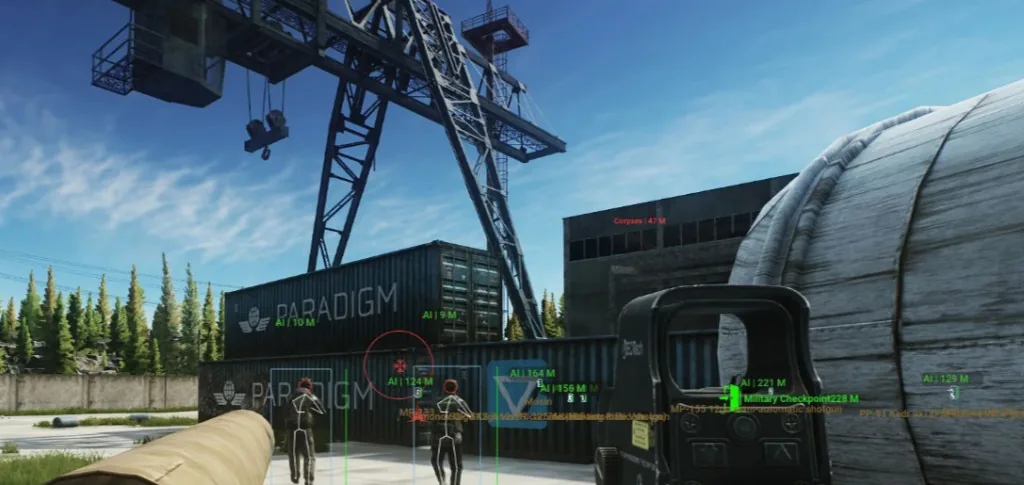
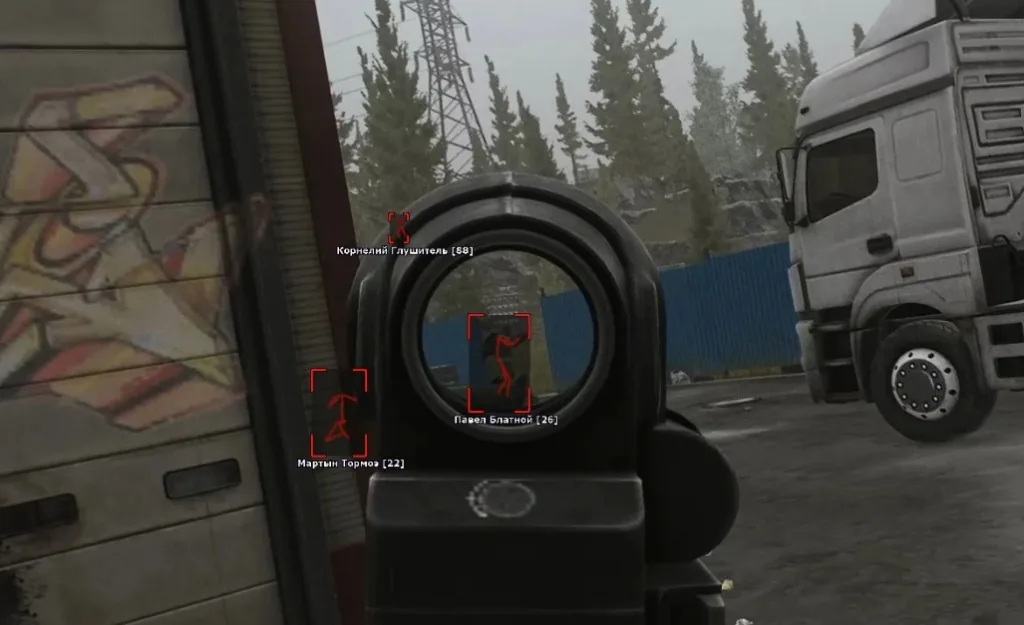
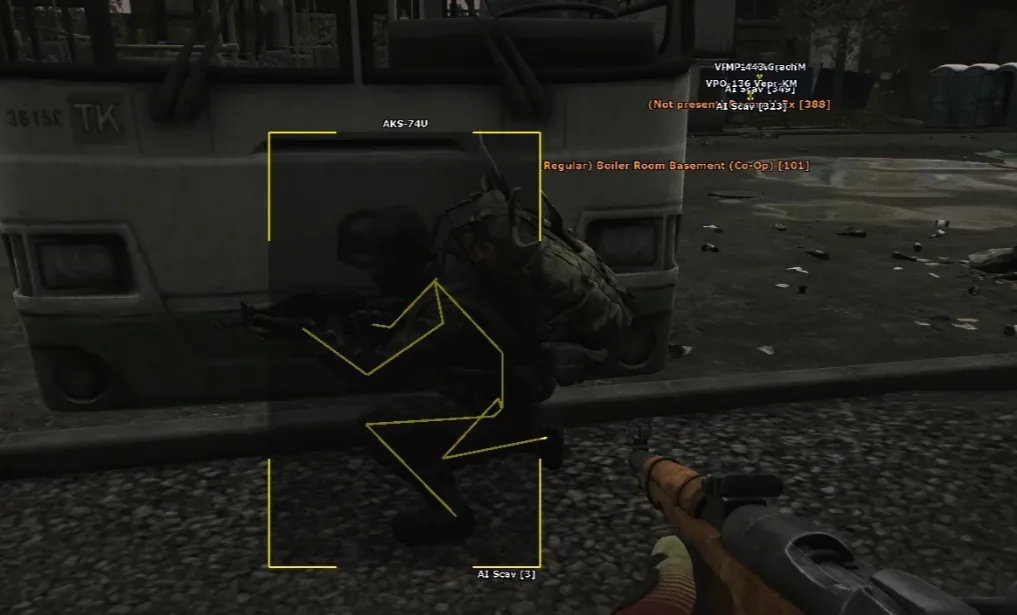
When BattlEye or the Tarkov client updates, ESP overlays, radar signatures, and soft aim profiles may need testing before a new build ships to active licenses.
Avoid queueing on an old build after patch day until maintenance notes confirm a live release.
Reports, behavior, and responsible use
Player reports can trigger manual review of raid footage. Rage-style aim or obvious wall tracking stands out even when software status shows online.
Conservative soft aim, tighter ESP draw distance, and toggling only needed categories reduce report risk alongside software maintenance. Starting profiles: soft aim settings page.
Buying for the first time? Compare Pricing, read Tarkov Cheats, and finish Setup only after Updates shows a live build.
Frequently asked questions
-
What is the difference between a BattlEye ban and an HWID ban?
Account bans block a profile. HWID bans fingerprint your PC hardware — new accounts on the same machine can fail on login. Read the BattlEye bypass and FAQ for context.
-
Does BattlEye bypass mean fully maintained?
No. Maintenance rebuilds and status notes are honest workflow — not a permanent bypass. Battlestate Games also reviews behavior and player reports. Check Updates before every patch day.
-
When should I check status after a Tarkov patch?
After every major Escape from Tarkov client update, seasonal wipe, or BattlEye security patch. Read the latest note on Updates, confirm the build is live, then launch through Setup.