STATUS
Escape from Tarkov Cheats Status After Patch Days
Battlestate and BattlEye patches do not care about your raid plans. If you run Tarkov Cheats, patch day is a maintenance day — not a free queue. Here is the short checklist we use before loading ESP, radar, or soft aim after an update.
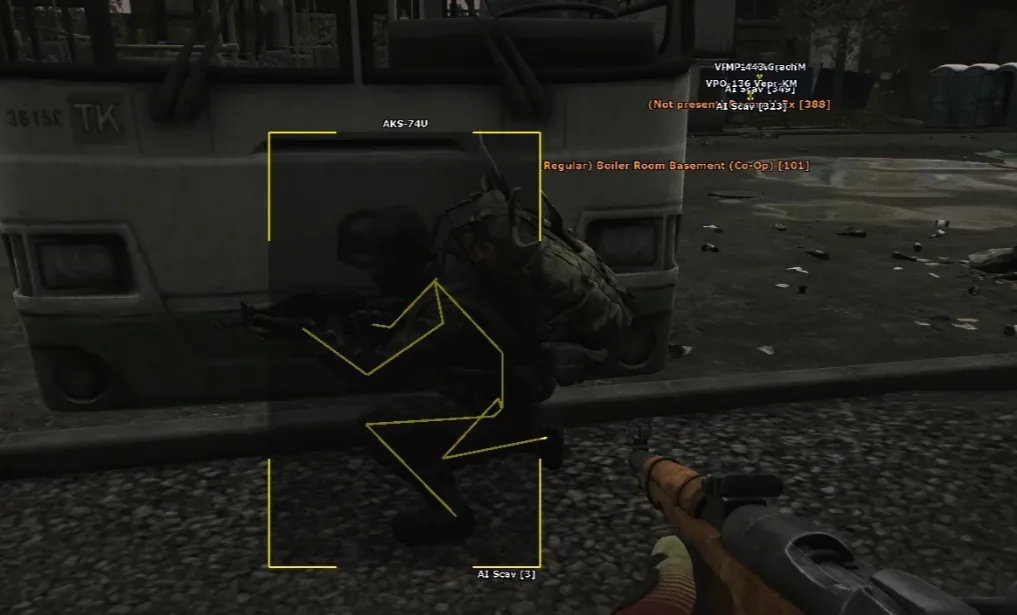
Separate game balance from cheat maintenance
Official Tarkov notes live on Escape from Tarkov. BattlEye changes live on BattlEye. Those are two different problems. Balance tweaks affect loot filters and map routes. Anti-cheat updates affect whether your loader should run at all.
Start on our Updates page and BattlEye maintenance page. If status is quiet or marked rebuilding, do not queue with yesterday’s build and call it bad luck.
Patch-day checklist for ESP, radar, and soft aim
Confirm a dated status note exists. Re-run Setup if the page says a new build shipped. Open the menu offline and verify player ESP, loot filters, and radar load without errors. Only then jump into a low-stakes Scav to test toggles.
After balance patches, revisit loot ESP categories — item IDs and container names shift on wipe days. Pair that with our loot ESP page so filters still match what you actually want to grab.
When it is safe to run a serious PMC raid
Wait for a green status line, a successful offline menu test, and one clean Scav extract with conservative settings. Retune soft aim only after ESP feels stable — see the aimbot settings page.
If the launcher itself fails, check Escape from Tarkov Support before blaming the cheat. When both game and tool are live, you are ready for PMC — not before.