ESP
Escape from Tarkov Loot ESP Filter Cheat
Loot ESP is why many players buy Tarkov Cheats — but default “show everything” settings waste time and get you killed. Filters turn wallhack loot into a shopping list you can run under pressure.
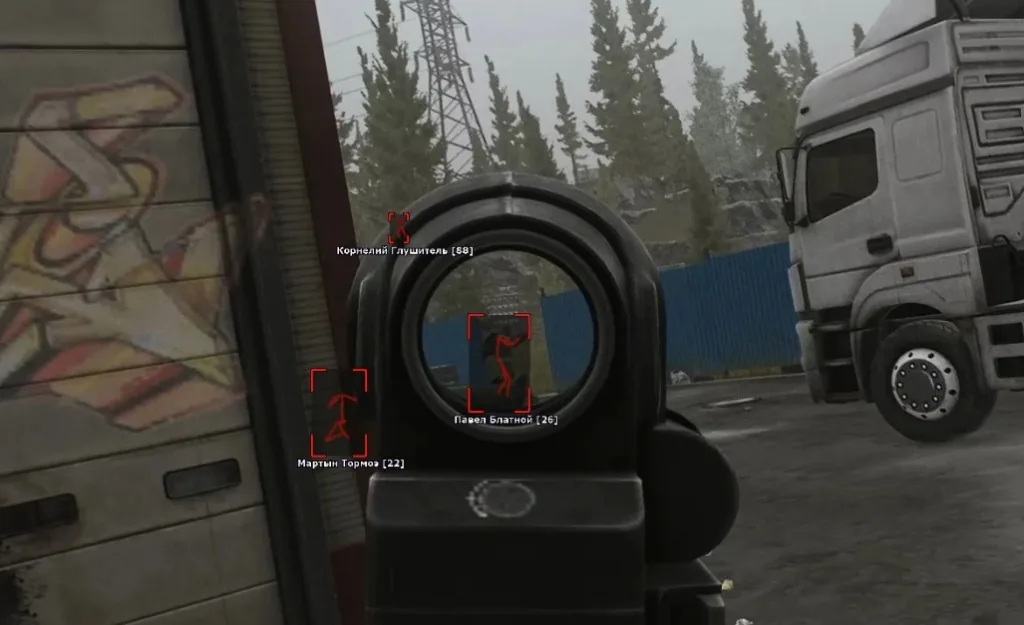
Start with value thresholds, not item laundry lists
Set a minimum rouble value so drawers and loose junk stay hidden. Add quest and keycard categories only when you are actively chasing them — toggle off when the task is done.
Full category docs live on ESP. Wipe patches can rename items; reset filters after big updates on Updates.
Container types worth highlighting by map
Interchange: tech crates and jacket pockets. Customs: dorms safes and weapon boxes. Labs and Reserve: keycard doors and high-tier bags. Turn off categories for rooms you are not entering this raid.
Pair container ESP with player toggles off during pure loot phases — see overlay settings for phase-based profiles.
Loot ESP plus radar for extract safety
Vacuuming a room while someone flanks is the classic loot-ESP death. Keep radar on a low-radius setting while looting heavy.
Test filters on Scavs first — our Scav ESP page walks through low-risk trials before PMC kits.