Before you install Tarkov Cheats
Confirm your order email and license details. See the delivery FAQ if timing is unclear. Check the Updates page for the latest BattlEye maintenance build before launching Tarkov.
Also glance at Escape from Tarkov Support if Battlestate Games services look unstable on patch day — a platform outage is not a license fault.
Tarkov Cheats requires Windows 10 or 11. Close conflicting overlay software that may interfere with ESP wallhack or Aimbot toggles.
Activate ESP wallhack and Aimbot profiles
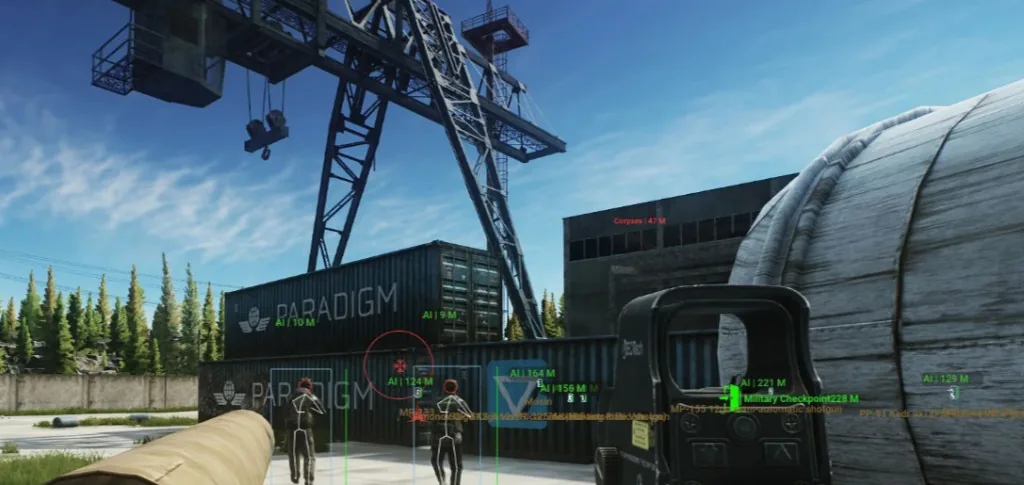
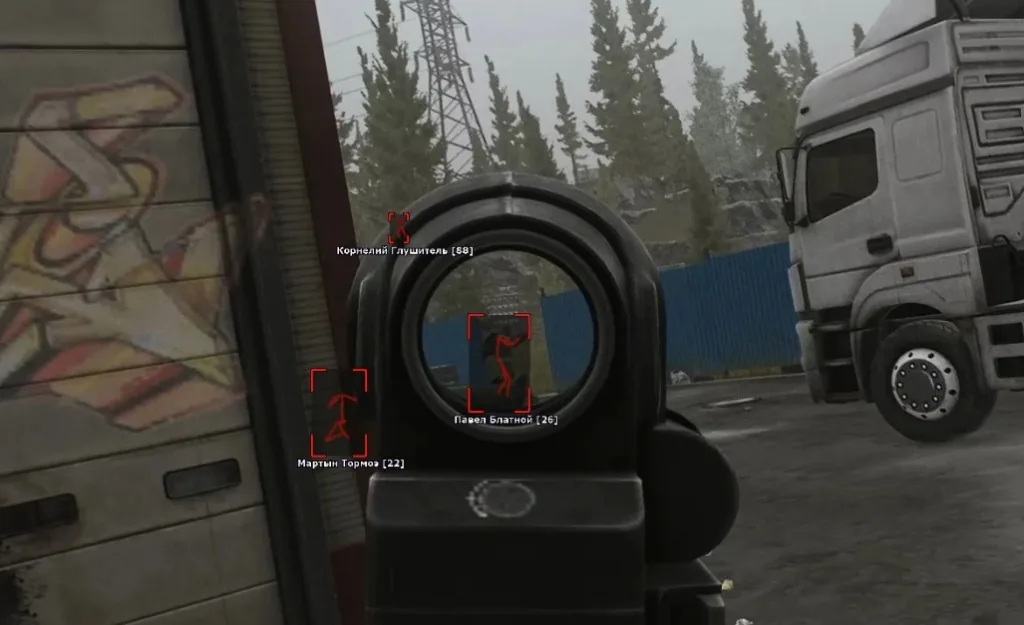
Follow the delivery instructions in your license email. Load default ESP wallhack categories for PMCs, Scavs, and loot — then tune radar range and Aimbot smoothness to your playstyle.
Use in-client hotkeys to toggle ESP, radar, and Aimbot mid-match. Details for BattlEye module live on ESP, Aimbot, and mod menu.
Prefer a soft tracking feel? Start with the soft aim recommendations before raising aggressiveness.
After Tarkov or BattlEye anti-cheat patches
When Battlestate Games ships a major Tarkov update or BattlEye anti-cheat patch, revisit Updates before queueing. Download maintenance rebuilds when posted.
Official anti-cheat background: BattlEye Anti-Cheat. Our practical workflow is documented on the BattlEye bypass and maintained page.
Contact Support with your order ID if activation fails after a patch — include Windows version and error details for faster replies.