FEATURES
Escape from Tarkov Cheat Menu Settings Thread
The menu has dozens of toggles. Low-profile Tarkov Cheats play uses a small subset: readable ESP, moderate radar, conservative soft aim, and hotkeys you can hit without tabbing out mid-fight.
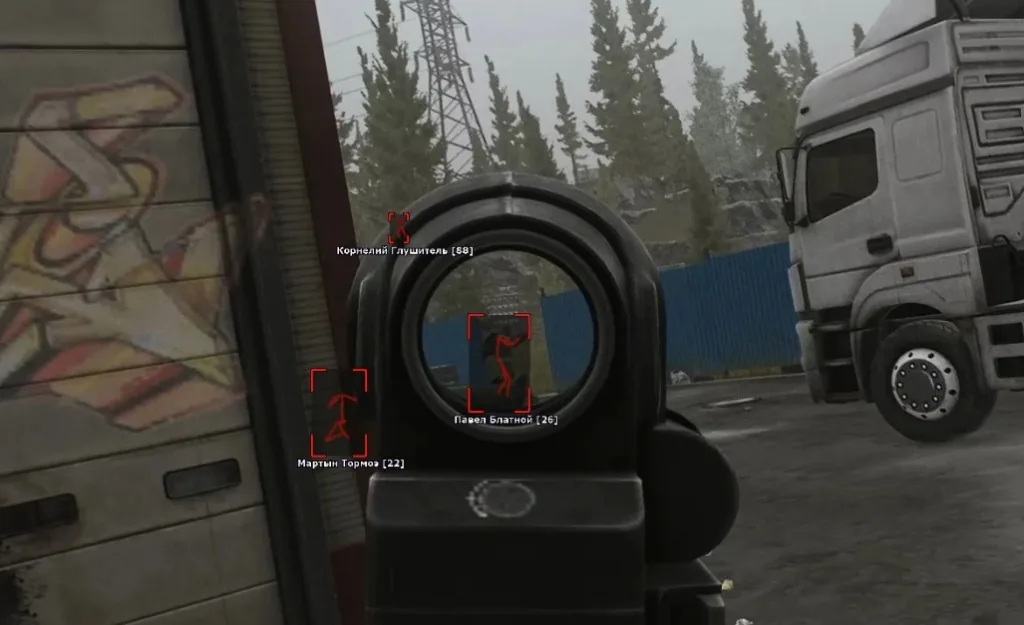
Baseline menu layout for PMC raids
Player ESP with distance on. Loot ESP filtered by value. Radar at medium radius. Soft aim off until you confirm overlays are stable. Map hotkeys for panic-off before screenshots or squad review.
Install steps and defaults are on Setup. Feature names match Features.
Settings that reduce player reports
Lower soft aim FOV and raise smoothness — never snap across doorways. Disable aim assist during looting animations. Do not rage-toggle every category on for stream clips.
Match in-game sensitivity before tuning assist — see Aimbot and our settings page. Reports can happen even on clean builds if you look robotic.
After every patch, reset — do not inherit old menus
Patch days can reset configs or break loot IDs. Export mental notes: which toggles you used last wipe, then rebuild from baseline. Confirm Updates before copying last week’s menu.
Pair menu discipline with overlay tuning and low-profile habits on Tarkov Cheats.